Interactive projector for schools, classrooms and active learning
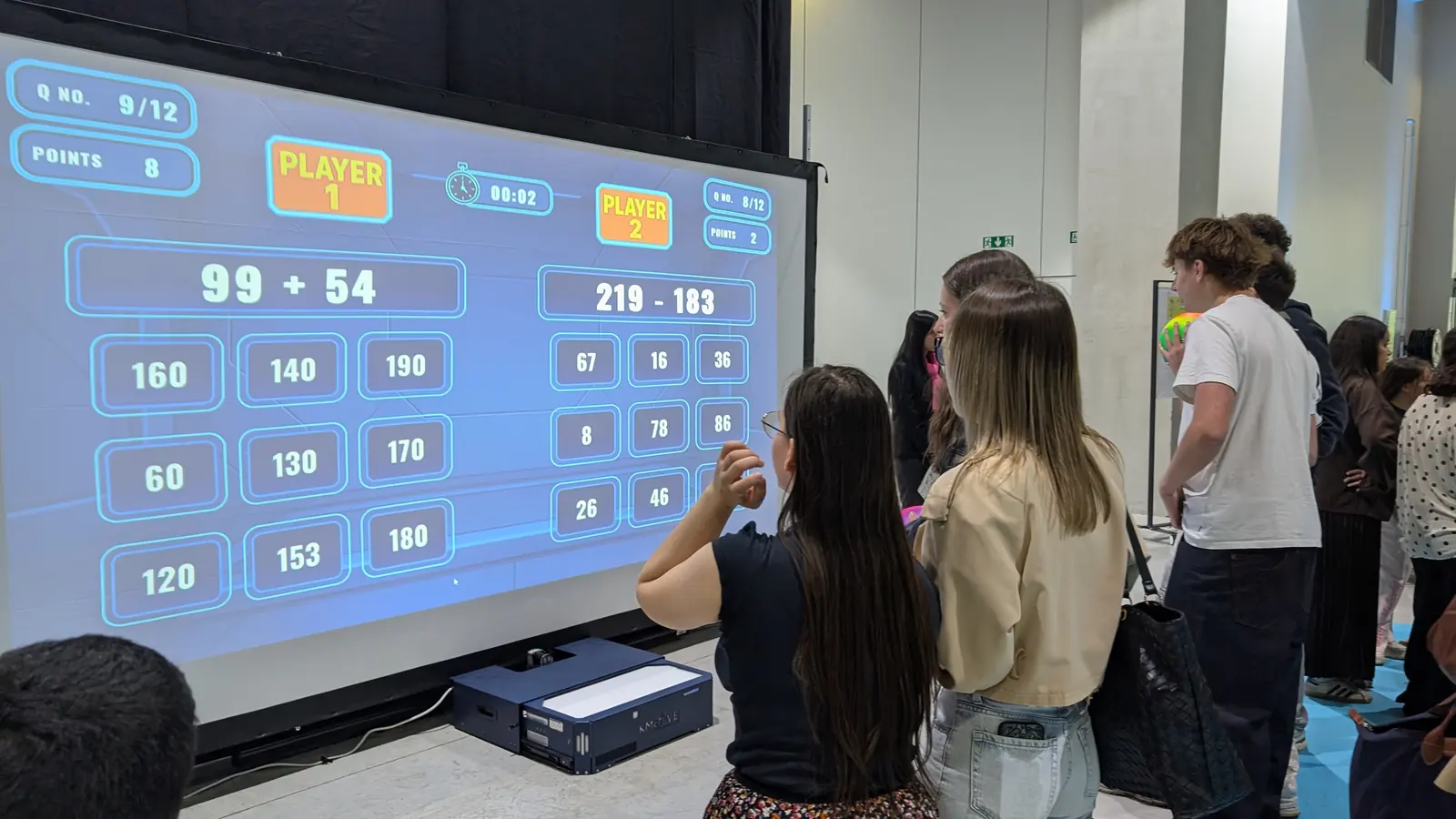
The whole class stands up, throws, answers and cooperates on the same surface. Teachers create their own content in under two minutes: their own vocabulary, times tables, images, photos, videos and questions.
The interactive wall gets the whole class moving. Students stand up, throw, answer and cooperate. Teachers build their own content: their own vocabulary words, times tables, images and questions.
- 180
- Apps in total
- 5
- Game universes
- 150
- Customizable apps
- 0
- Individual screens
What it changes day to day
The whole class in action
Content created by the teacher
No individual equipment
Cross-curricular
How teams use the wall
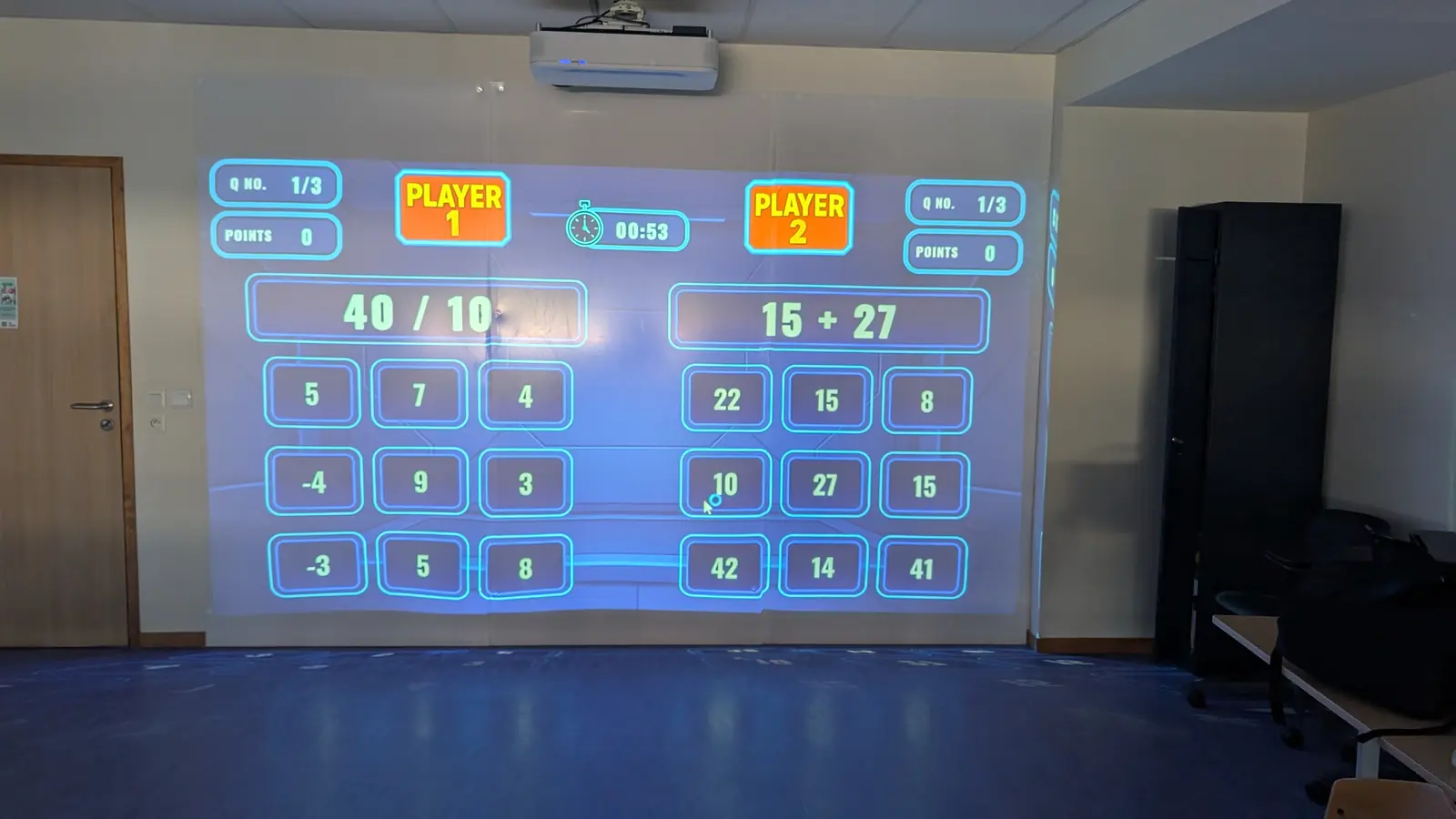
- Mental arithmetic warm-ups at the start of the day
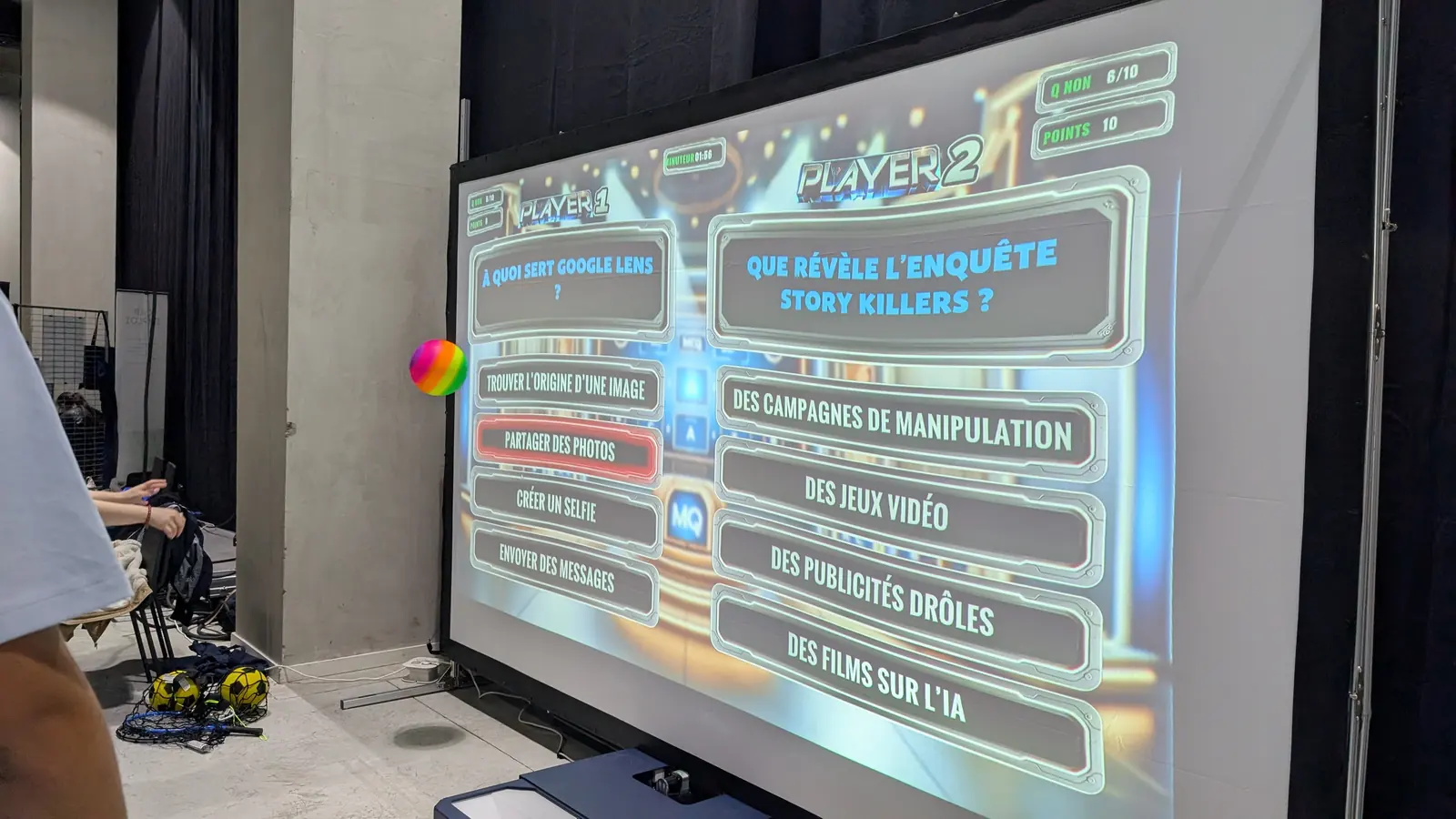
- Vocabulary revision in a foreign language
- Science sequences: the human body, hygiene
- Active breaks between two seated periods
- Cooperation and emotional regulation workshops
Real deployments
In schools, the interactive wall gets the whole class on its feet: unlimited touch points, with no tablets to hand out.
Mental arithmetic routines that get the class moving
Elementary school, upper primary grades
Morning routines were done on whiteboards, with uneven participation and many students holding back.
A K-Mobile E shared between three classes, with arithmetic series built by teachers in Editor mode.
- The whole class active instead of one student at the board
- Content reused from one year to the next
- Active breaks built into the day between seated periods
Sharing a single system across several classes
School group of eight classes
A single budget for equipment that had to serve as many students as possible.
A mobile system booked in time slots, set up by the teacher in five minutes, with no Wi-Fi and no student account.
- Cross-curricular use: languages, math, science, PE
- No extra IT maintenance
- Adopted by a substitute teacher in a single session
It looks like a really innovative tool: it lets them work on motor skills and social abilities, and it gets them moving.
We set up sessions with different levels: everyone finds something they enjoy. It's valuable for fitness, motor skills, attention, and for social interaction.
Products that fit this environment
Questions we hear from teams like yours
- Does every student need a tablet or an account?
- No. There is no individual equipment, no student account and no personal data. Students play with their body on the projected surface, five at a time and sixteen in relay.
- Can teachers create their own exercises?
- Yes. 150 apps are customizable: quizzes, spelling, arithmetic, image matching. Content takes under two minutes to prepare and can be reused year after year.
- Does it work in an ordinary classroom?
- Yes. It needs a light-coloured wall two to four meters (roughly 7 to 13 feet) wide, a power outlet and a projector, ideally ultra short throw to avoid shadows. No network is needed.
- What is the cost for a school and what funding is available?
- The interactive wall starts from €5,990 excluding VAT for the K-Station S, including a 3-year warranty, with the final price provided on request. Schools often fund the equipment through the local authority's investment budget, a parent-teacher association, a grant, or a shared purchase between several schools.
- Is it compatible with an existing interactive projector?
- Yes. The K-Station connects to the projector already installed in the classroom, including an interactive whiteboard projector or an ultra short throw model, which reduces the budget. We check compatibility and projection distance with you before the quote.
- How much space does it take in an early years motor skills room?
- It needs a light-coloured wall two to four meters (roughly 7 to 13 feet) wide, a power outlet and clear space in front of the wall for children to run and throw. The K-Mobile is put away after the session; the K-Station stays fixed high up, out of children's reach.
Tell us about your facility
Send us your room size, your audience and your timeline. We reply with a detailed quote within 48 hours.